Process and integration · Price on application
Find out where the work gets stuck, then fix it
Most businesses have a few jobs that take far longer than they should, often because the same details get typed into three different systems. We find those spots and fix them.
First, we map how things work now
We go through every step of a job with you, from the first enquiry to the final invoice, and note who does each step and which system it's in. This is called process mapping. Once it's all laid out, the problems tend to stand out: double handling, waiting around, or a step that only one person knows how to do.
Example · A product business, from dock to door
Follow one order, from the loading dock to the customer's door.
01 Goods arrive
Now Checked against the paper delivery docket
Streamlined Scanned on arrival, matched to the purchase order, and stock updated instantly
02 Put away
Now Stored wherever there's room
Streamlined Given a home location, so anyone can find it
03 Order comes in
Now Online store, wholesale or phone: re-keyed into three systems
Streamlined Lands once and flows everywhere
04 Pick and pack
Now Picked from memory, with mistakes found by the customer
Streamlined A pick list by location, and every item barcode-checked
05 Dispatch
Now Courier booked by hand and labels typed
Streamlined Courier booked and label printed automatically
06 Customer updates
Now "Where's my order?" calls
Streamlined Tracking sent automatically at each step
07 Delivered and invoiced
Now Invoices re-entered into the accounts at the end of the week
Streamlined Invoice and payment synced to accounting
08 Reorder
Now Someone notices the shelf is empty
Streamlined Low stock flagged and a supplier order drafted for approval
Once every step talks to the next, nobody has to type anything twice.
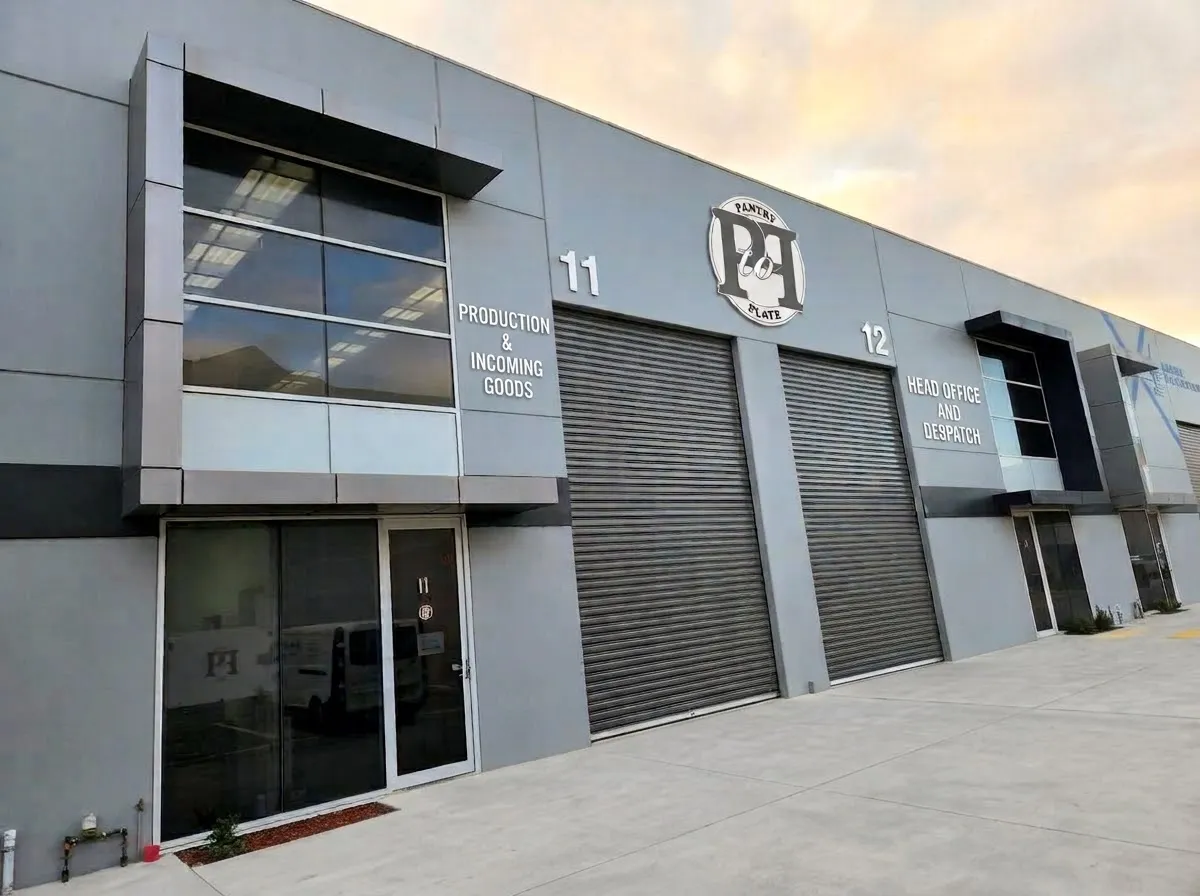
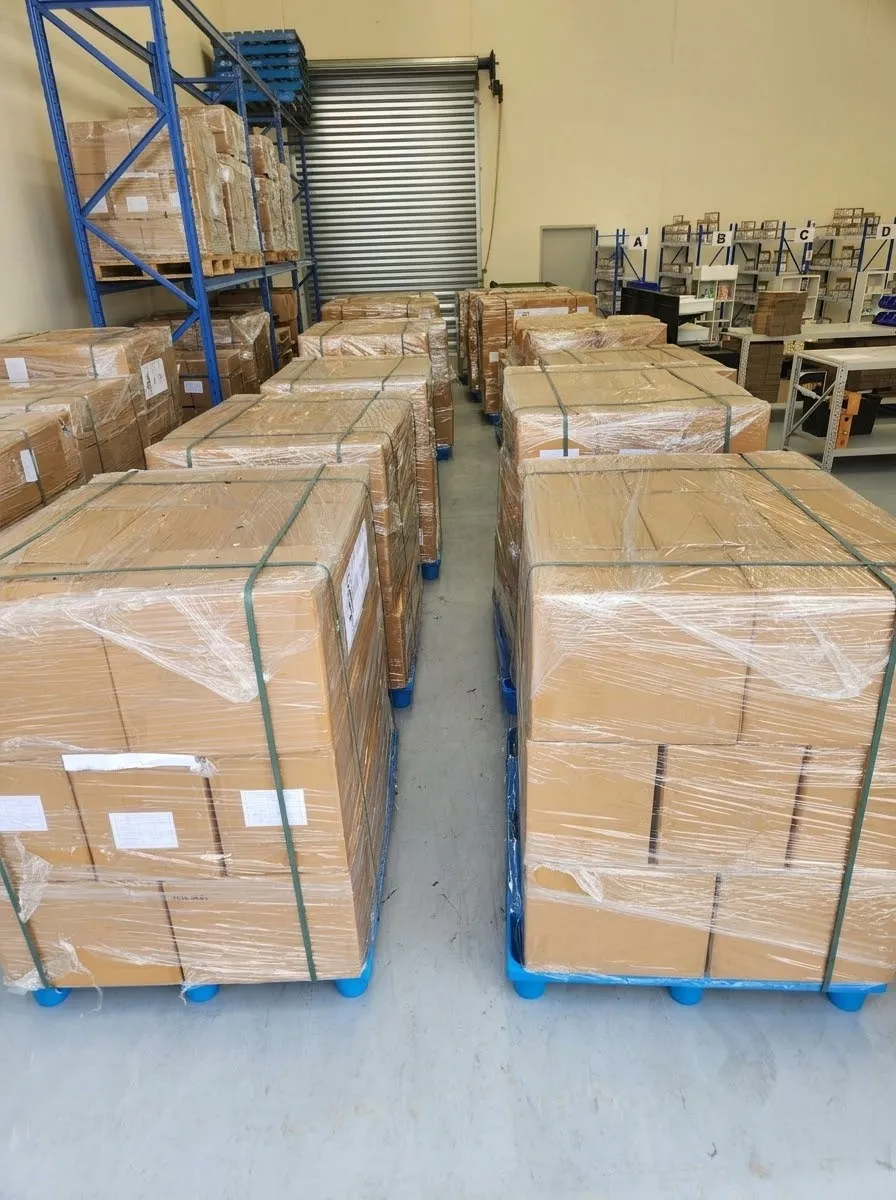
Mel designed and scaled two warehouses for Pantry to Plate Co. and added barcode scanning to check every pick.
This is an example to show how we work. We'd always map your business before recommending anything.
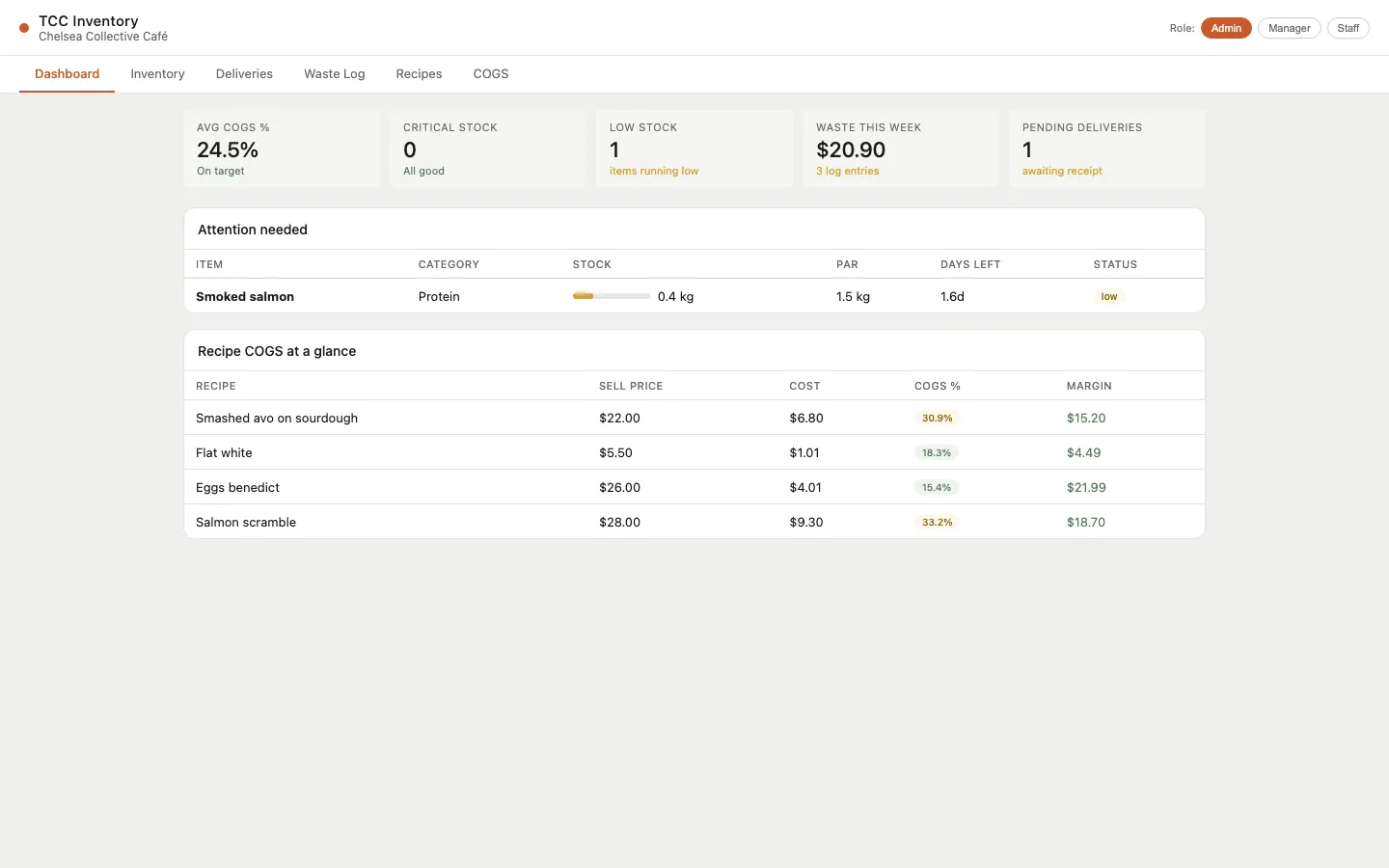
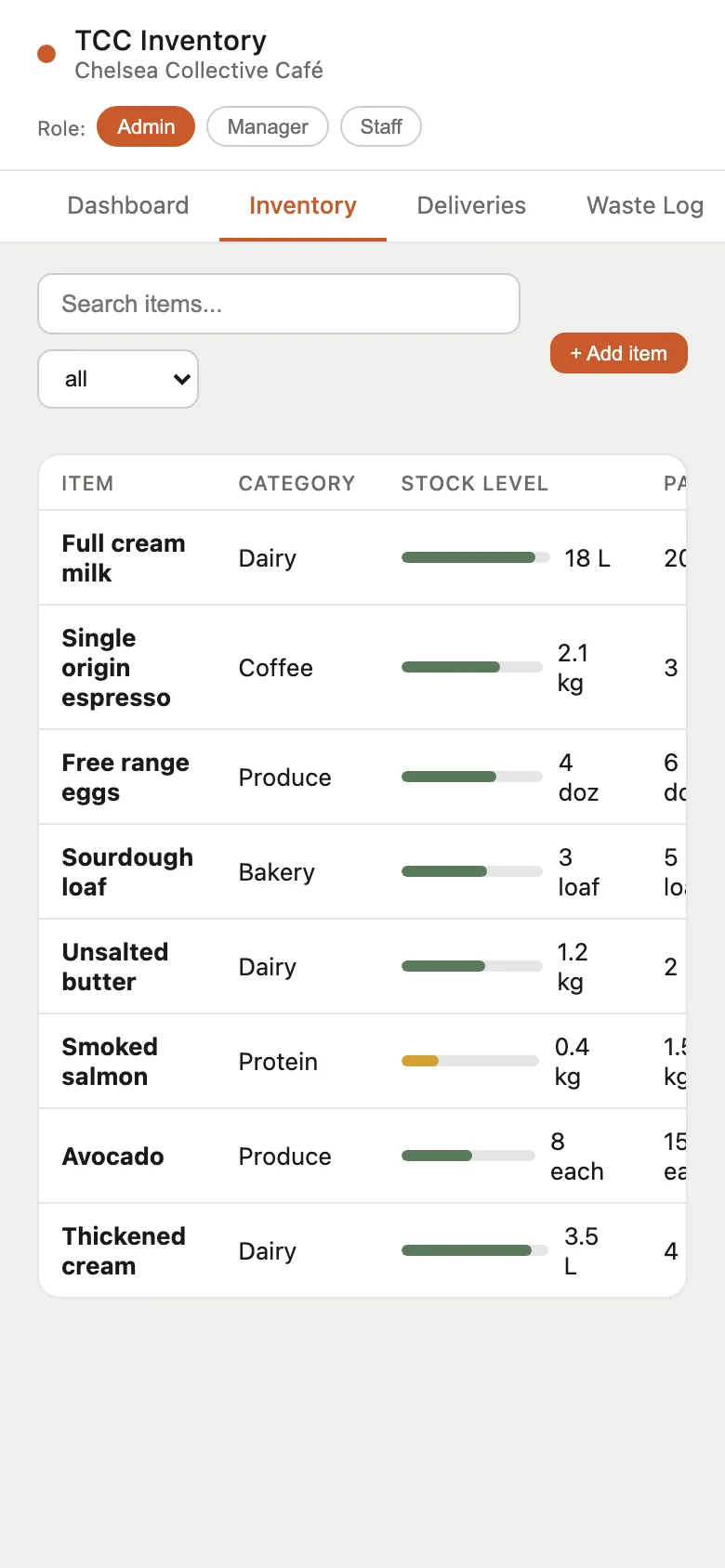
The inventory system we built
Then we get your systems talking
Integration means your tools share information on their own. When a sale, booking or order happens, everything that needs to know about it gets updated, and nobody has to type it in again.
Integration diagram
Hover or tap a system to see what happens there.
- Point of sale (Square): Every sale is recorded as it happens
- Inventory: Each sale uses up stock at recipe level
- Accounting (Xero): Sales and supplier orders flow into the accounts
- Reporting: Stock, costs and sales in one live view
Animation is off because of your device's motion settings.
This is how the café's systems were connected. Each sale updated stock at recipe level, which flowed through to orders, costs and reports.
Systems we've worked with: Square, Xero, Shopify, CRMs, booking systems, and ERP systems such as SAP.
Experience
Where this experience comes from
- Pantry to Plate Co.: As the business grew from selling online to being stocked in more than 1,000 stores nationally, Mel designed and scaled two warehouses (production and distribution). She rebuilt the CRM to connect Shopify, logistics partners and customer service from ordering through to dispatch, and added barcode scanning to check every pick.
- A Melbourne café: a custom inventory system connected to Square and Xero, plus automated rosters, onboarding and staff workflows.
- Corporate roles: business-to-business online stores and partner portals connected to ERP, CRM and supply chain systems for Häfele Australia and ITW AAMTech.
Price on application
Mapping can be a small first job on its own. Once you can see the map, you choose what to fix, and we give you a fixed quote for it.
Get in touch
Price on application. We'll talk it through with you first, then give you a fixed quote before any work starts.